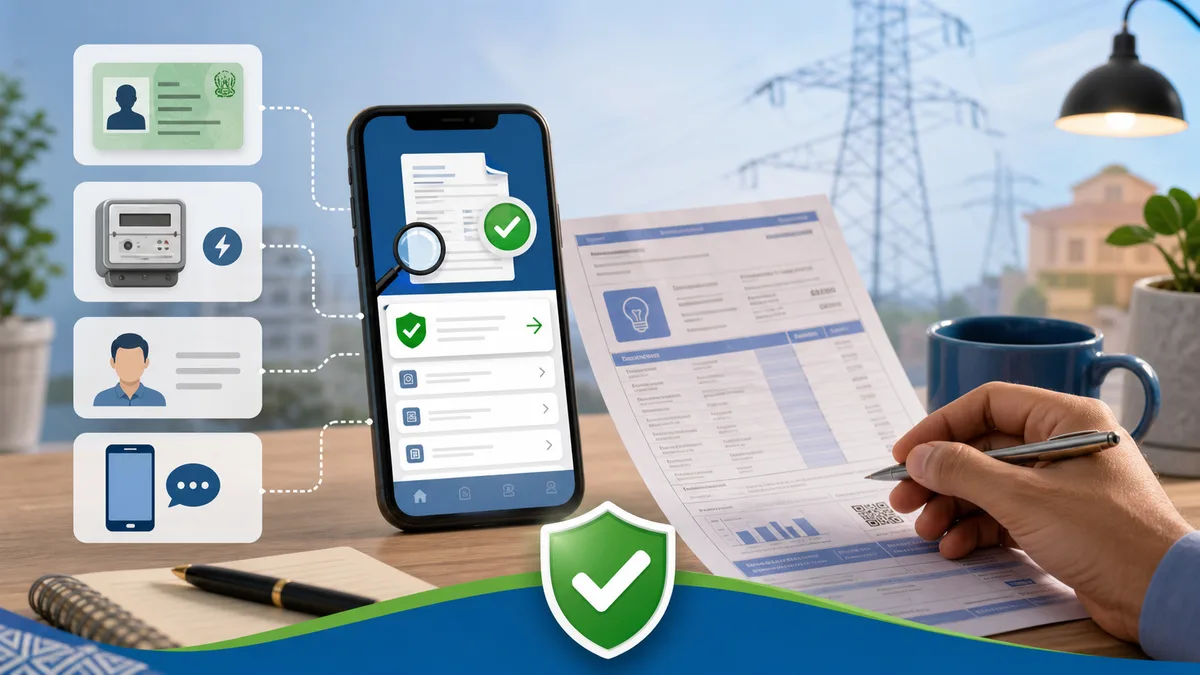
If you have lost your GEPCO electricity bill, the first instinct is usually to search for another way in. People try CNIC, meter number, consumer name, house address, mobile number, old payment receipt, and sometimes even the meter picture. It is a very normal problem, especially when the due date is close and the paper bill has gone missing.
The short answer is this: for normal public duplicate bill checking, the reliable methods are the 14-digit Reference Number and, where supported, the 10-digit Customer ID. CNIC, meter number, name, address, and mobile number are not the usual public lookup fields for opening a monthly GEPCO duplicate bill online.
Quick Answer
- CNIC: not the normal public duplicate bill lookup method.
- Meter number: useful for office work or complaints, but not the usual online bill search field.
- Name or address: not reliable for public duplicate bill lookup.
- Mobile number: not the normal method for opening a monthly GEPCO bill.
- What works: 14-digit Reference Number or 10-digit Customer ID.
Why People Search by CNIC, Meter Number, or Name
Most consumers do not think in terms of billing databases. They think practically: the connection is in my father's name, the meter is outside my house, my CNIC is attached somewhere in the record, so surely one of these should open the bill. That thinking makes sense from the consumer side.
But public duplicate bill lookup is different from internal office verification. A GEPCO office may verify a connection using multiple details when you visit with documents. The public online bill page is simpler. It needs a billing identifier that points directly to one bill record, without exposing other people's bills through broad searches like name, address, or CNIC.
Can You Check GEPCO Bill by CNIC?
For regular duplicate bill checking, you should not expect CNIC-only lookup to open a GEPCO bill. The official bill-checking flow is built around bill identifiers, not national identity numbers. That is a good thing for privacy. If anyone could type a CNIC and see all matching electricity bills, it would be too easy to expose household and billing information.
CNIC may still matter in official office work. For example, it can be part of a new connection file, name correction, ownership transfer, or complaint verification. But that does not mean CNIC is the public search key for a duplicate monthly bill.
If you only have CNIC and no bill number, try to find an old bill copy first. Search your phone gallery, WhatsApp chats, banking app history, Easypaisa/JazzCash payment records, or email screenshots. You only need the correct reference number once. After that, save it safely for future months.
Can You Check GEPCO Bill by Meter Number?
The meter number identifies the physical electricity meter, but it is not the same as the bill reference number. Meter number can be helpful when discussing a meter replacement, wrong reading, defective meter, or field complaint. It can also help GEPCO staff locate or verify a connection in office records.
For online duplicate bill checking, however, meter number is not the normal public input. Do not enter the meter number into the reference number field and expect it to work. The reference number is usually 14 digits and is printed on the bill specifically for billing lookup and payment handling.
If your issue is related to a meter number, such as a wrong meter reading or meter change, read our GEPCO meter reading date and units guide or the GEPCO complaint guide. Those situations need proof, photos, and complaint records, not only a duplicate bill lookup.
Can You Check GEPCO Bill by Name or Address?
Name and address lookup sounds convenient, but it is not a good public bill-search method. Many people can share the same name. Addresses can be written in different ways. House numbers, street names, mohallah spellings, and old owner names can all create confusion. In places like Gujranwala, Sialkot, Kamoke, Wazirabad, Hafizabad, Narowal, Gujrat, and Mandi Bahauddin, small address variations are very common.
There is also a privacy issue. A public name or address search could expose bills belonging to tenants, landlords, relatives, shops, or previous owners. That is why the safer public method is a specific bill identifier printed on the consumer bill.
If the printed name or address on your bill is wrong, that is a separate correction issue. Use our GEPCO name, address, and tariff correction guide. Correcting a record is different from opening a duplicate bill online.
Can You Check GEPCO Bill by Mobile Number?
Mobile number is also not the normal way to open a GEPCO duplicate bill online. A phone number may be used in some application, complaint, notification, or consumer registration context, but it is not a reliable public key for duplicate bill lookup.
People change SIMs, tenants move, family members pay bills for each other, and one mobile number can be linked informally with more than one property. A public mobile-number bill search would create the same privacy and accuracy problems as name or address search.
What Actually Works: Reference Number and Customer ID
The best method is still the boring one: use the number printed on the bill. The 14-digit Reference Number is the most common way to check a GEPCO duplicate bill. Some bill checkers also support the 10-digit Customer ID. On our homepage, you can select either Reference Number or Customer ID before the bill opens through the official PITC portal.
Use the GEPCO online bill checker when you have either of these numbers. If the bill does not open, first check whether you selected the correct input type. A customer ID will not work properly in a reference number field, and a reference number should be entered as digits only.
If the connection is not in GEPCO's service area, use the correct electricity company instead of forcing the number into a GEPCO form. For families managing bills in different cities, iBill.pk can help with all-DISCO bill checking, but you should still confirm the company name printed on the bill before paying.
Lookup Methods at a Glance
- 14-digit Reference Number: best option for duplicate bill checking.
- 10-digit Customer ID: use when the checker gives a Customer ID option.
- Meter Number: keep it for meter complaints or office verification.
- CNIC: useful for some official paperwork, not public duplicate bill lookup.
- Name, address, mobile: too broad and unreliable for public bill search.
Where to Find the Reference Number or Customer ID
Take any previous GEPCO bill and look near the upper-left bill details area. The reference number is normally printed as a 14-digit number. The customer ID is also printed in the bill details area and may appear on the payment slip section. If you are unsure which is which, our illustrated guide explains where to find the GEPCO reference number and customer ID.
Do not type spaces, dashes, slashes, or letters with the reference number. If your bill photo has a small letter near the number, avoid typing that letter into the bill checker. A clean reference number is numeric only.
What If You Have No Old Bill?
If you have no old bill, start with the places where people usually forget they already saved one. Check WhatsApp images, family group chats, your phone gallery, old PDF downloads, banking app payment history, Easypaisa or JazzCash transaction screens, printed payment receipts, or a photo sent by someone at the property.
If you recently applied for a new connection and only have a tracking ID or demand notice, you may not have a regular monthly bill reference number yet. In that case, follow the new connection route first. Our GEPCO demand notice guide explains that stage.
If you still cannot find the number, contact the concerned GEPCO subdivision or customer service office. Take identity proof, property or tenancy proof if needed, meter details, and any old payment proof. The office can guide you through official verification. Avoid sharing CNIC photos or bill details with random social media pages that promise to find your bill.
Safety Warning: Do Not Enter CNIC on Random Bill Sites
An electricity bill can reveal more than people realize: location, name, tariff category, units, arrears, payable amount, and payment timing. Your CNIC is even more sensitive. If a random website asks for CNIC, mobile number, and address just to show a duplicate bill, be careful. For normal GEPCO bill checking, you should not need to give that much personal information to a third-party site.
Our bill checker does not store your bill number. It simply opens the official PITC bill flow in the same tab after you enter the reference number or customer ID. That is also why we keep telling users to save the correct reference number instead of searching through personal identifiers every month.
Final Advice
If you are trying to check a GEPCO bill by CNIC, meter number, name, address, or mobile number, you are probably trying to solve a missing-bill problem. The real fix is to recover the reference number or customer ID once, save it safely, and use it every month.
For most families, the easiest routine is simple: save the 14-digit reference number in your phone notes, keep one clear bill photo, and use the GEPCO duplicate bill checker whenever the paper bill is late. If the bill opens but the amount looks wrong, move from lookup to troubleshooting by reading the bill not found guide, unit price and taxes guide, or complaint guide.
Official sources: This guide is based on public GEPCO duplicate bill instructions and the official PITC billing portal flow. For official bill lookup, verify through the GEPCO duplicate bill page or the official PITC billing portal. For company information and support notices, visit GEPCO.
Frequently Asked Questions
Can I check my GEPCO bill by CNIC?
For normal public duplicate bill lookup, CNIC is not the usual search method. Use your 14-digit reference number or 10-digit customer ID where supported.
Can I check GEPCO bill by meter number?
Meter number can help with complaints or office verification, but it is not the normal online duplicate bill lookup field.
Can I check GEPCO bill by name or address?
No, name and address are not reliable public duplicate bill lookup fields. They can match multiple consumers and create privacy problems.
What if I lost my GEPCO reference number?
Check old bill photos, payment app history, printed receipts, or ask someone at the property for the latest bill. If nothing is available, contact the concerned GEPCO office with proof of connection details.