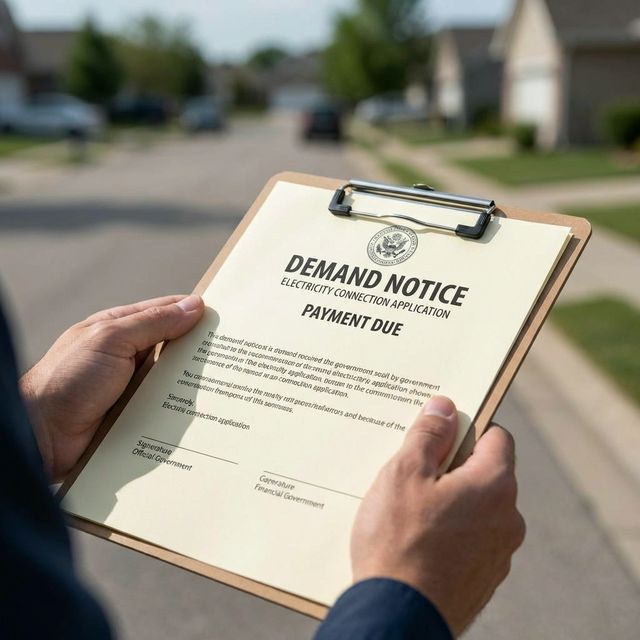
If you're building a new house in Gujranwala or finally getting a separate meter installed to avoid the high-tier pricing slabs, you are probably desperately waiting for your GEPCO Demand Notice. It's the final approval step before they send the linesmen to your property.
We see a lot of people confusing a "Demand Notice" with a regular monthly electricity bill. They are two different things. You cannot check your Demand Notice by entering a 14-digit reference number on our monthly bill checker because your new connection usually does not have a reference number yet. Here is the common online route for tracking and printing your Demand Notice.
What exactly is a Demand Notice?
When you apply for a new electricity connection through the official ENC (Electricity New Connection) system, GEPCO surveys your property. If approved, they issue a "Demand Notice" - essentially an invoice for the initial security deposit, wiring, and meter installation costs. You must pay this before they bring the meter to your house.
New connection process in simple words
- Apply through the official ENC process.
- Save your Tracking ID.
- GEPCO reviews and surveys the site.
- If approved, the Demand Notice is issued.
- You pay the Demand Notice through the allowed official channel.
- GEPCO processes meter installation and activation.
- After the first billing cycle, you receive a regular monthly bill.
How to Track Your Application Status
Instead of visiting the local Wapda office in person, you can do this entirely online. You just need the Tracking ID that was given to you when you first submitted your new connection application.
- Go directly to the official tracking website: enc.com.pk
- Look for the "Track" option on their main menu.
- Select New Connection as your application type.
- Select GEPCO from the dropdown menu of companies.
- Enter your Tracking ID.
- Click Submit. The official system should show the latest available status for your file.
Documents You Should Keep Ready
Document requirements can vary by connection type and official instructions, but for a normal home connection you should keep the basics ready: CNIC copy, ownership or tenancy-related document, neighbor bill/reference if asked, test report or wiring-related paperwork, and any application receipt from ENC. If the office asks for something extra, follow the latest official requirement rather than an old list shared online.
How to Download and Print the Notice
If your tracking status shows that the application has been approved, you can finally print the invoice.
- Go to the same official ENC portal (enc.com.pk).
- Click on the "Print Demand Notice" option in their menu bar.
- Select GEPCO and enter your Tracking ID again.
- The official PDF will appear on your screen. You can download it to your phone or go to a local shop to have it printed.
Crucial Warning: Pay It Before It Expires!
Every Demand Notice can include an expiration date printed on the document. If you fail to pay it at a designated bank before that date, your application may be canceled or delayed under the official process.
How to Pay the Demand Notice
The official ENC portal includes a Pay DN option for demand notice payment. If your tracking record supports online payment, use the official ENC flow and save the receipt. If the notice tells you to pay through a designated bank or another official process, follow the printed instructions and confirm with your local GEPCO office when needed.
What Happens After You Pay It?
After payment, keep the paid receipt or transaction proof safely. If the official system does not update, your local GEPCO sub-division office can guide you on whether they need a copy for the installation file.
Timelines are not the same in every area. A file in a busy subdivision can move slower than one in a less crowded area, and site access matters too. If the premises are locked when staff visit, or the wiring/test report is incomplete, the process can stretch. Keep your phone active and keep the Tracking ID handy.
After that, it is usually a waiting period for installation and activation. Once the meter is active and you receive your first monthly bill, you can come back to our homepage and use your new 14-digit Reference Number to open it through the PITC portal. Before you pay it, you may also find our guide on how GEPCO unit usage and slabs work useful.
Official sources: This guide is based on the Electricity New Connection process and the public ENC portal. For official application tracking, demand notice printing, and demand notice payment options, visit ENC, the ENC tracking page, or the ENC Pay DN page. You can also confirm with your local GEPCO sub-division office.
Frequently Asked Questions (FAQs)
How long does it take to get the Demand Notice after the ENC survey?
Timing depends on survey approval, subdivision workload, and the official ENC process. Some consumers see movement within a few working days, while others wait longer during busy periods. Keep checking your Tracking ID on the ENC portal and confirm with your local GEPCO office if the status does not change.
Can I pay the Demand Notice online using JazzCash or EasyPaisa?
ENC includes a Pay DN option, so check the official ENC portal first. If your Demand Notice or ENC screen gives a specific bank or process, follow that instruction. Regular monthly bills are separate; for those, see our GEPCO online bill payment guide.
What happens if my Demand Notice expires before I pay it?
If you miss the deadline, the application may be canceled or delayed under the central ENC process. Check the official ENC portal or your local GEPCO office for the current status and next steps.